


Apple CarPlay
CarPlay, like a videogame.
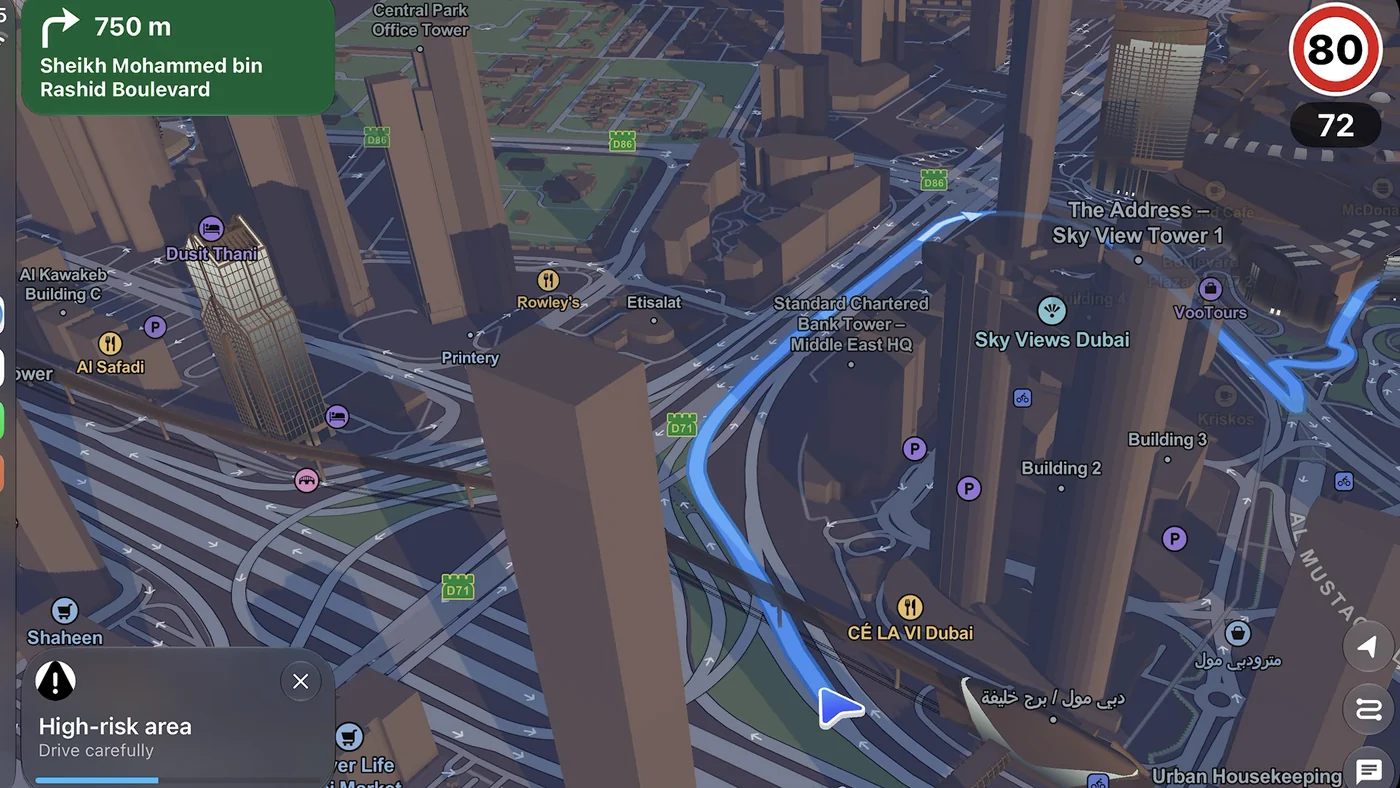
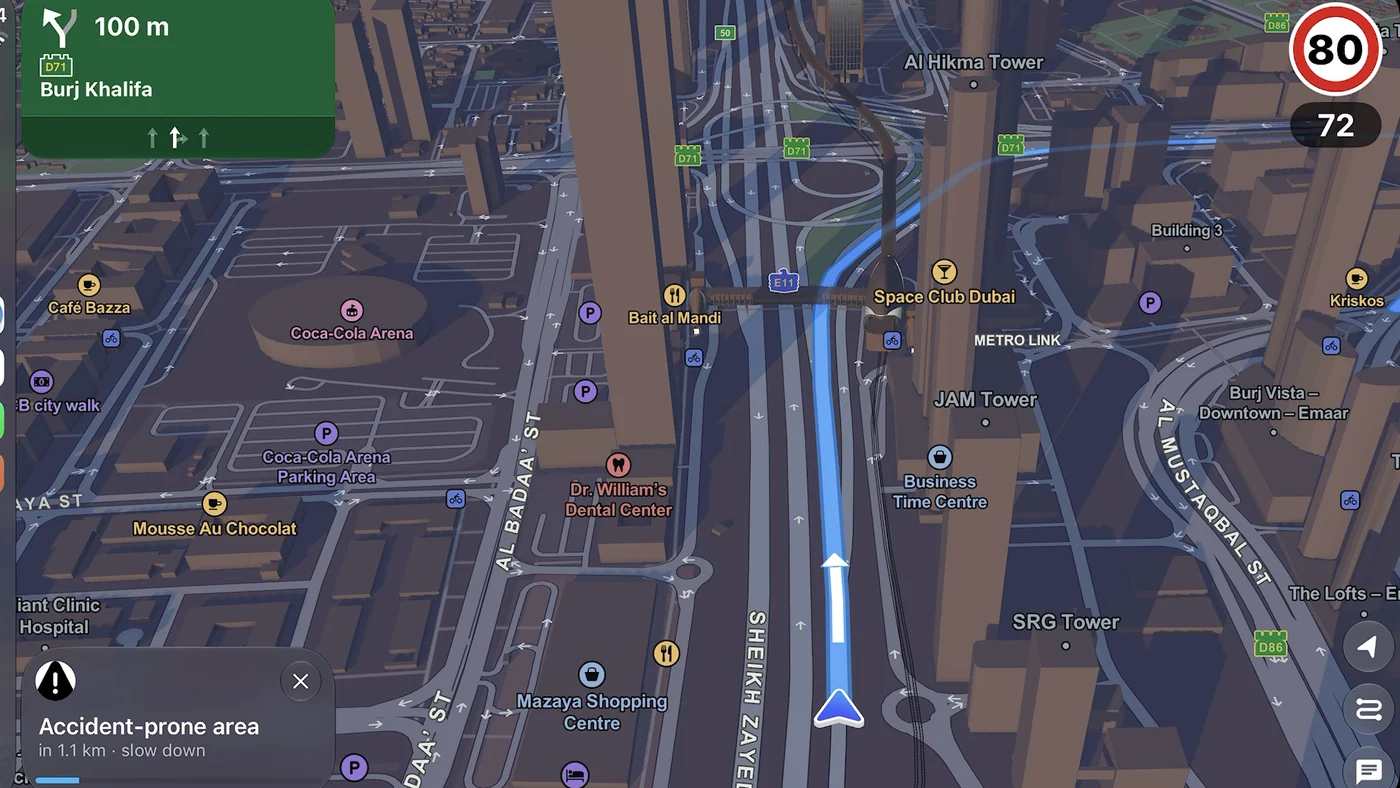
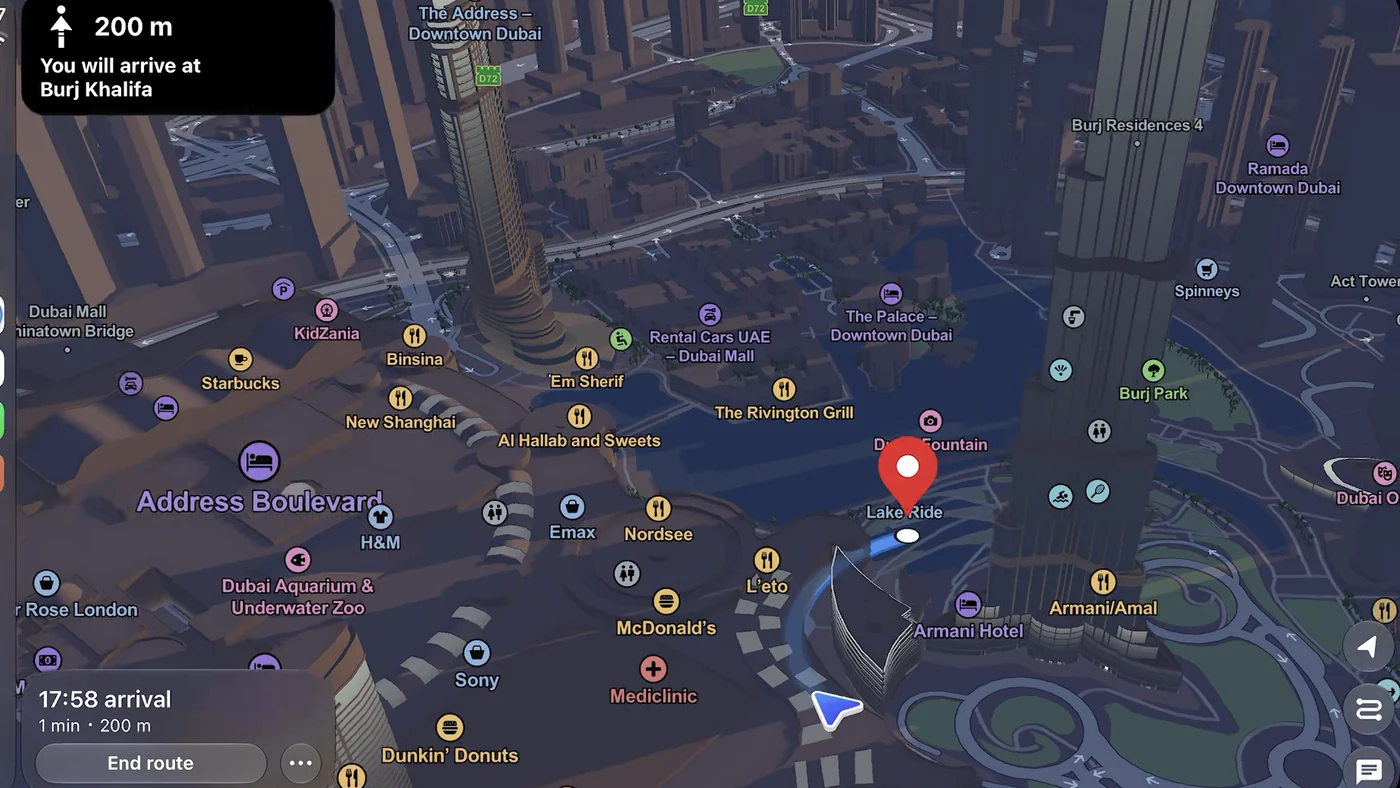
A real 3D Dubai on your car screen, with lane arrows, the live speed limit and a heads-up before accident-prone stretches. The trip starts when you plug in.
Free on iPhone. iOS 18.5 or later.



Lane guidance
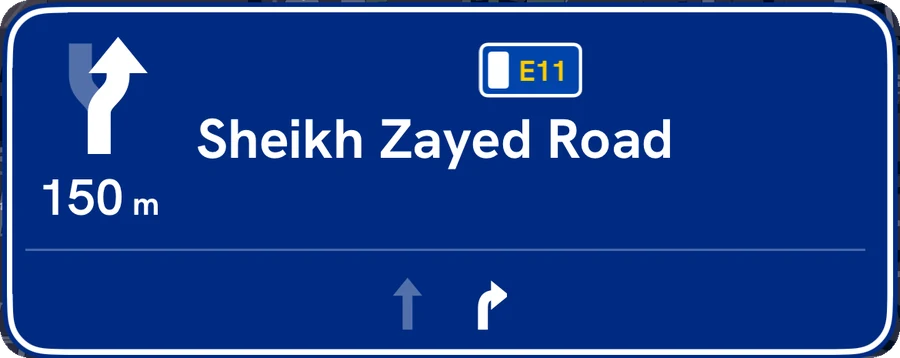
Know your lane before the turn.
Motorway signs with an arrow for every lane, the speed limit for the road you're on, and day and night map styles for UAE roads.

Hazard warnings
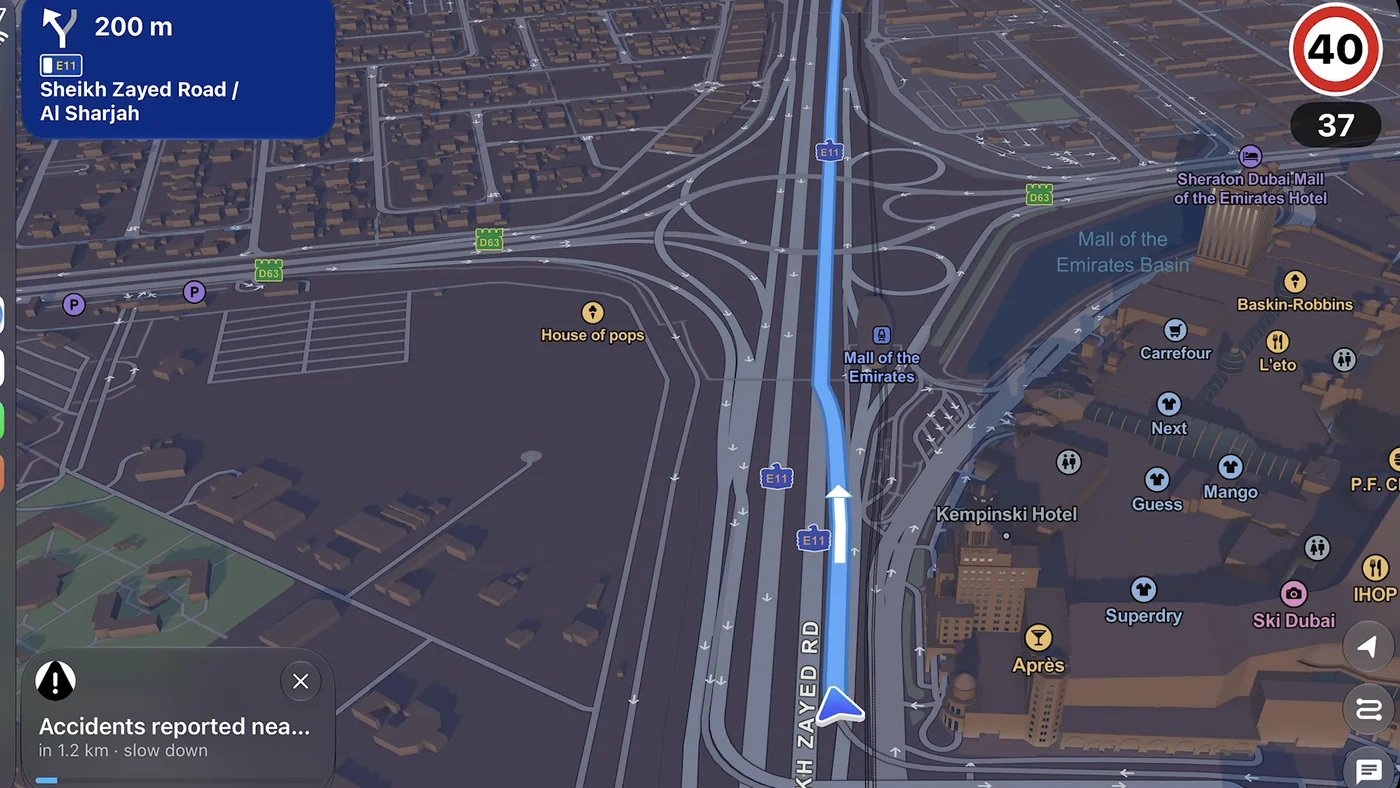
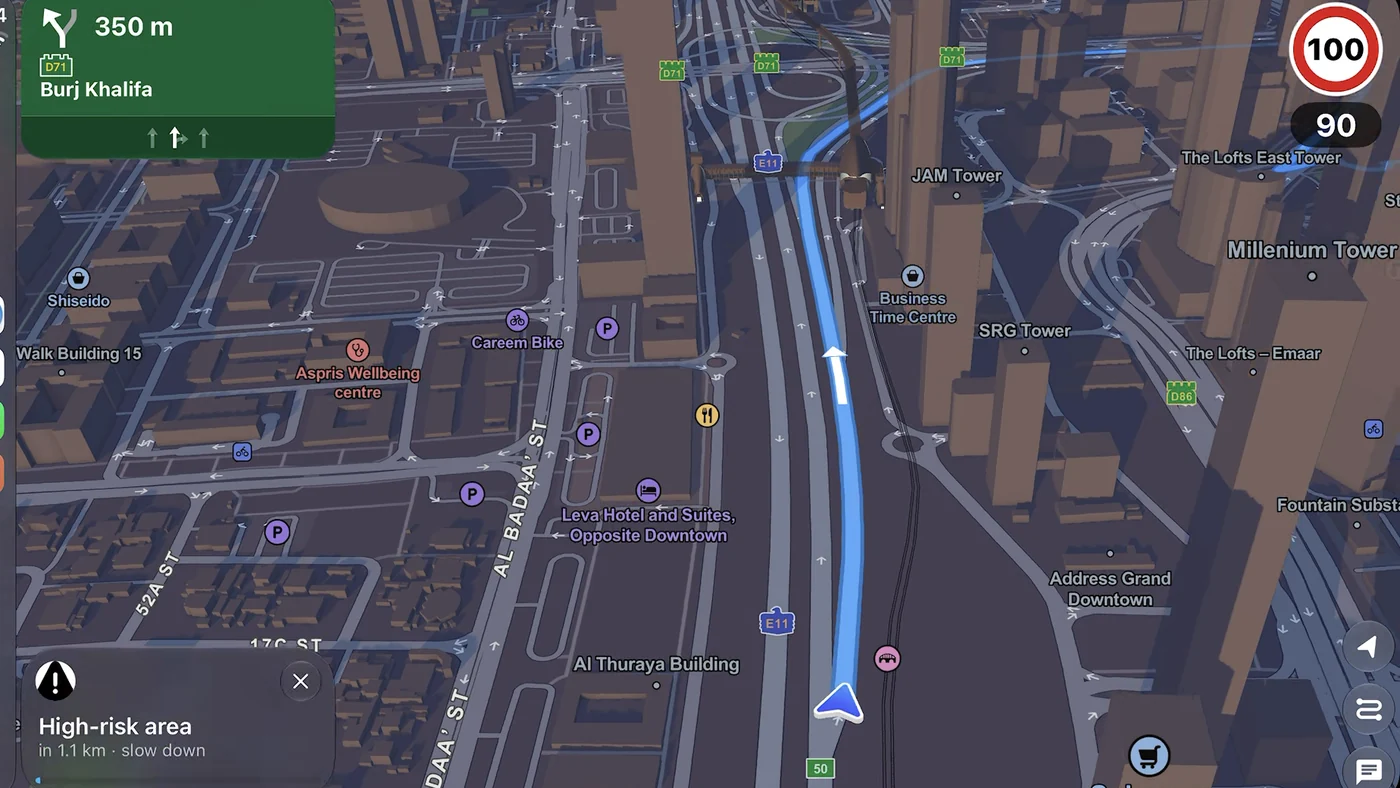
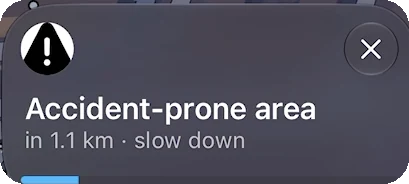
Accident-prone ahead? Know a kilometre out.
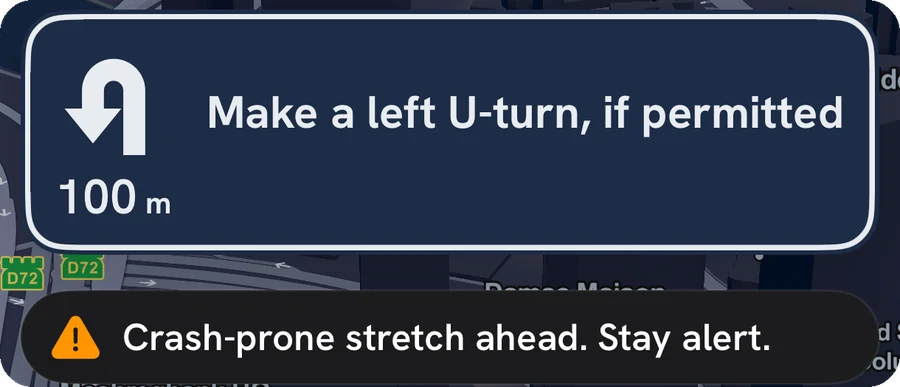
While you navigate, Guardian AI flags accident-prone stretches about a kilometre before you reach them, so you can ease off in time. On CarPlay and on your phone.
On your phone too

Trips
Plug in. Drive off.
The trip starts when you connect to CarPlay and ends when you park and unplug. Unplug in the middle of a route and guidance carries on from your phone.
01
Plug in
The trip starts on its own. Nothing to press.
02
Drive
Lane arrows, the speed limit and heads-ups. Crash detection runs too.
03
Park
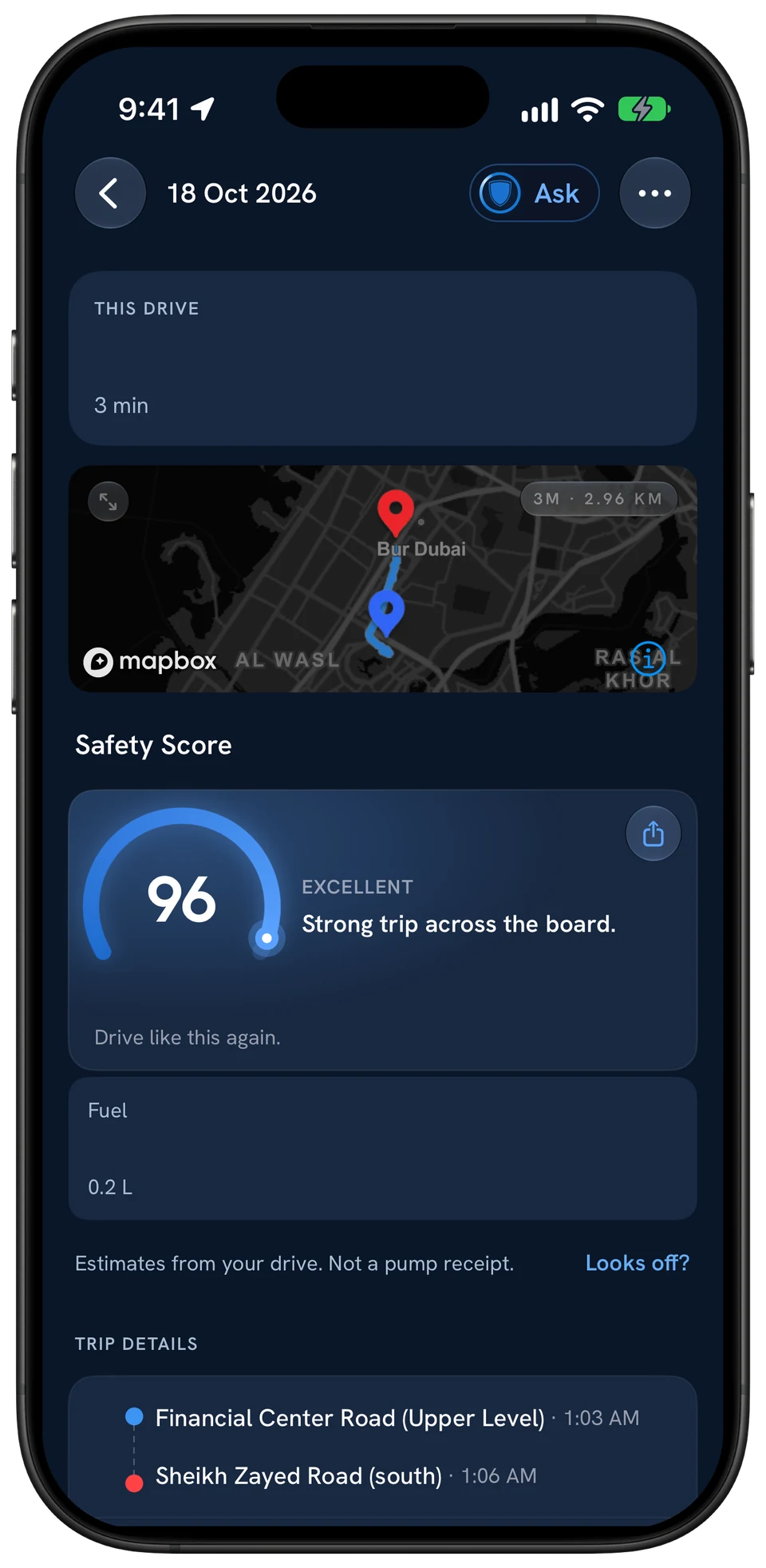
Unplug. Your driving score and the fuel used are on your phone.

Route options
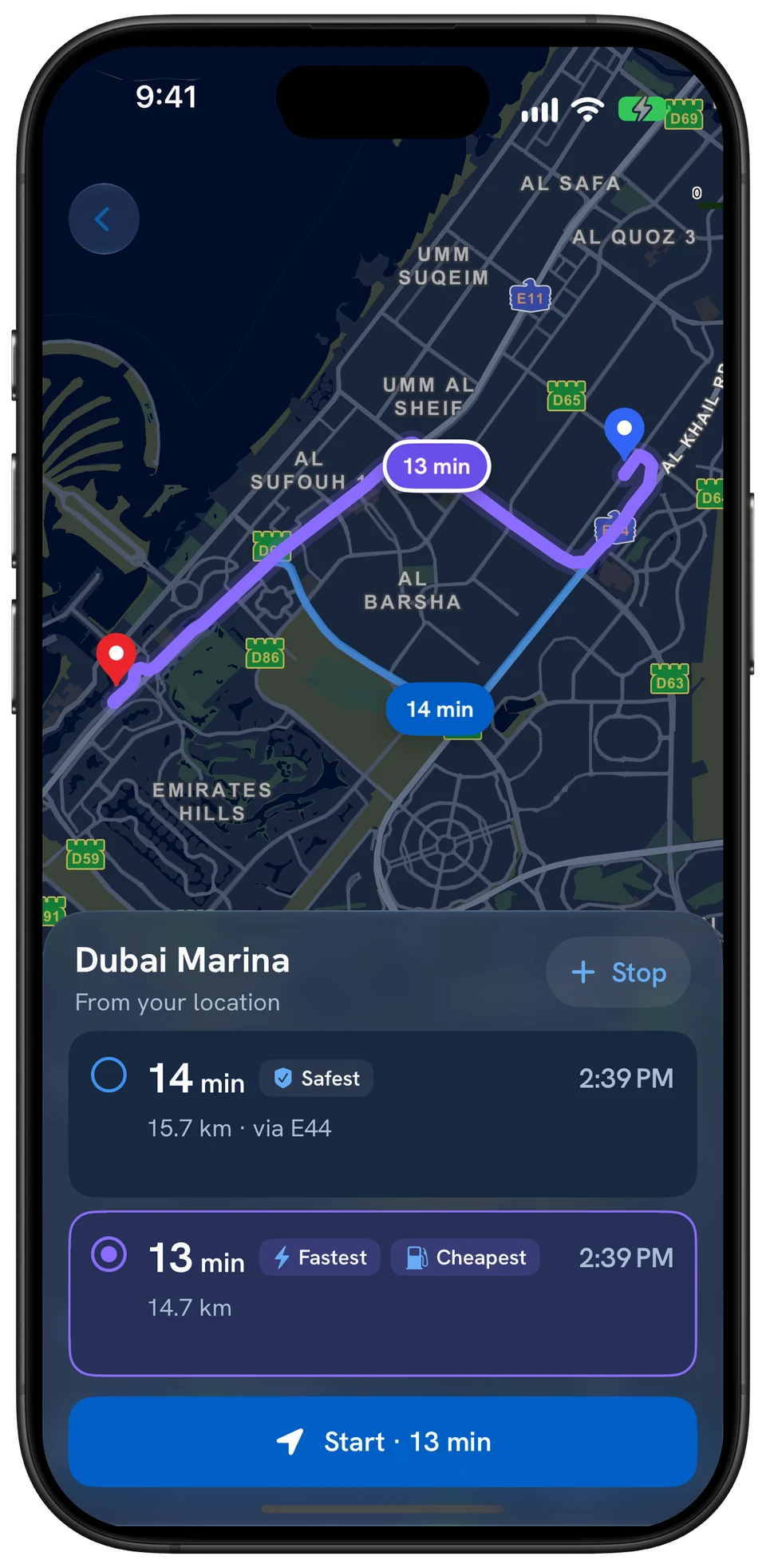
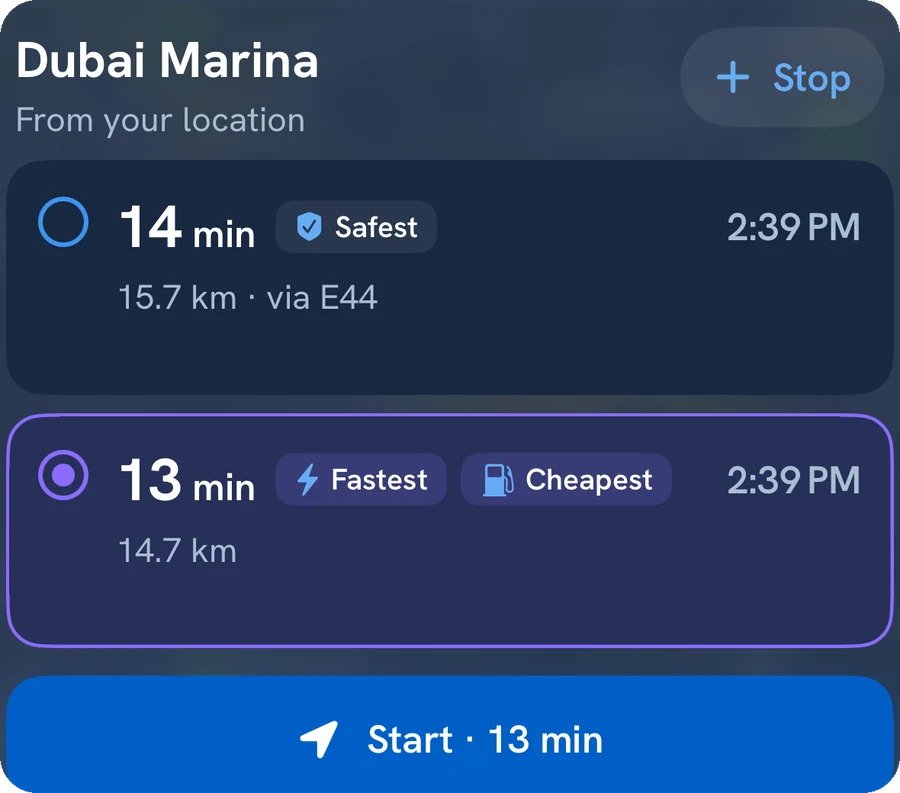
Safest, fastest or cheapest.
Compare routes before you leave, including which ones pass Salik gates. The Safest route avoids the stretches with the most accidents.
Fares and gate locations: the Salik toll guide.

Requirements
What you need.
iOS 18.5+
An iPhone running iOS 18.5 or later.
Free
The Guardian AI app, on the App Store.
CarPlay
A car or aftermarket head unit with Apple CarPlay.
Guardian AI is also free on Android phones; CarPlay itself needs an iPhone.
Source: Guardian AI on the App Store (requirements and release notes). As of 14 October 2026.
Questions
CarPlay, answered.
Does Guardian AI work with Apple CarPlay?
Yes. Connect your iPhone to a CarPlay car and Guardian AI shows a 3D map built for UAE roads, lane guidance, the speed limit, and a heads-up about a kilometre before accident-prone stretches while you navigate.
What do I need to use Guardian AI on CarPlay?
An iPhone running iOS 18.5 or later with the free Guardian AI app, and a car or head unit that supports Apple CarPlay.
Do I have to start a trip on CarPlay?
No. The trip starts when you connect to CarPlay and ends when you park and unplug. The fuel it used and your driving score are waiting on your phone afterwards.
What happens if I unplug in the middle of a route?
Guidance carries on from your phone.
Does it show Salik tolls?
Route options show whether a route passes Salik gates before you leave, including toll-free options, and the trip lists its Salik crossings when you park.

Never drive alone
Your car screen, built for UAE roads.
Plug in and the trip starts on its own. Free on iPhone.
Get it for CarPlay