


Safety
Crash detection, armed as you drive.
Guardian AI watches your phone's motion sensors and GPS while you drive. If it spots a possible crash, it asks if you're OK and puts a call to 999 and your location one tap away.
iPhone and Android. No hardware.
Not a replacement for emergency services. If anyone is hurt, call 999.


How it works
Nothing to switch on.
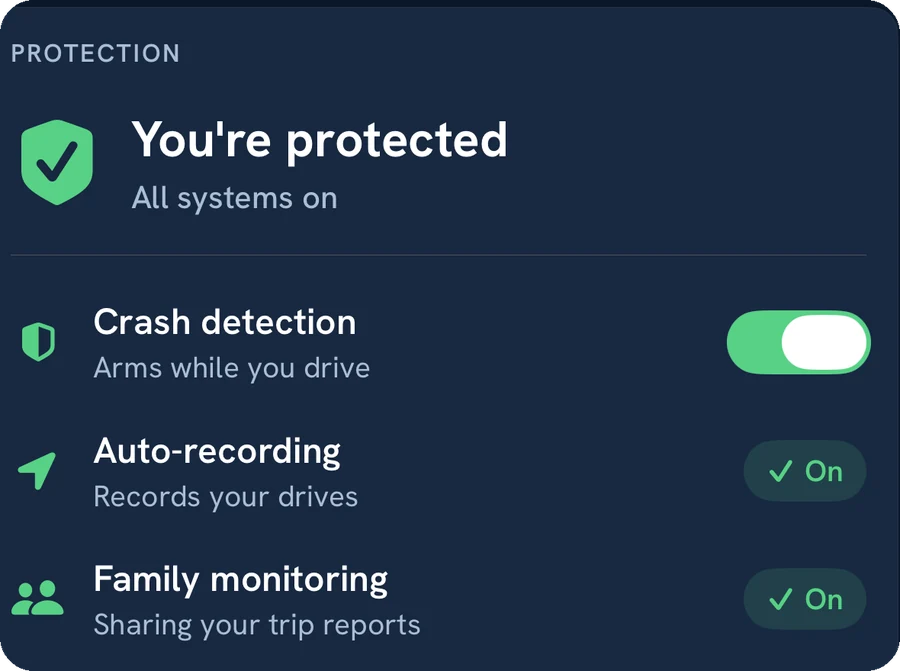
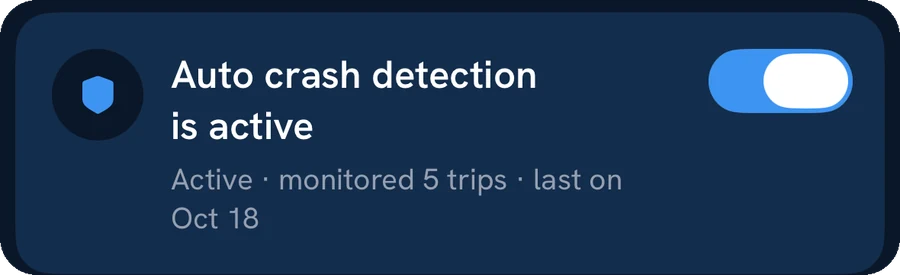
Trips start on their own, and crash detection runs with them. It reads your phone's motion sensors and GPS for the signs of a crash, such as a sudden, strong impact.
- No hardware
- The phone you already carry. No dongle, box or dashcam.
- On by default
- On iPhone, switch it off in Safety settings; it stops from your next trip.
Motion sensors + GPS

After a possible crash
Help, one tap away.
01
Are you OK?
An alert asks, with “I’m OK”, “Get help” or “Not a crash”, and a countdown runs while it waits.
02
Get help
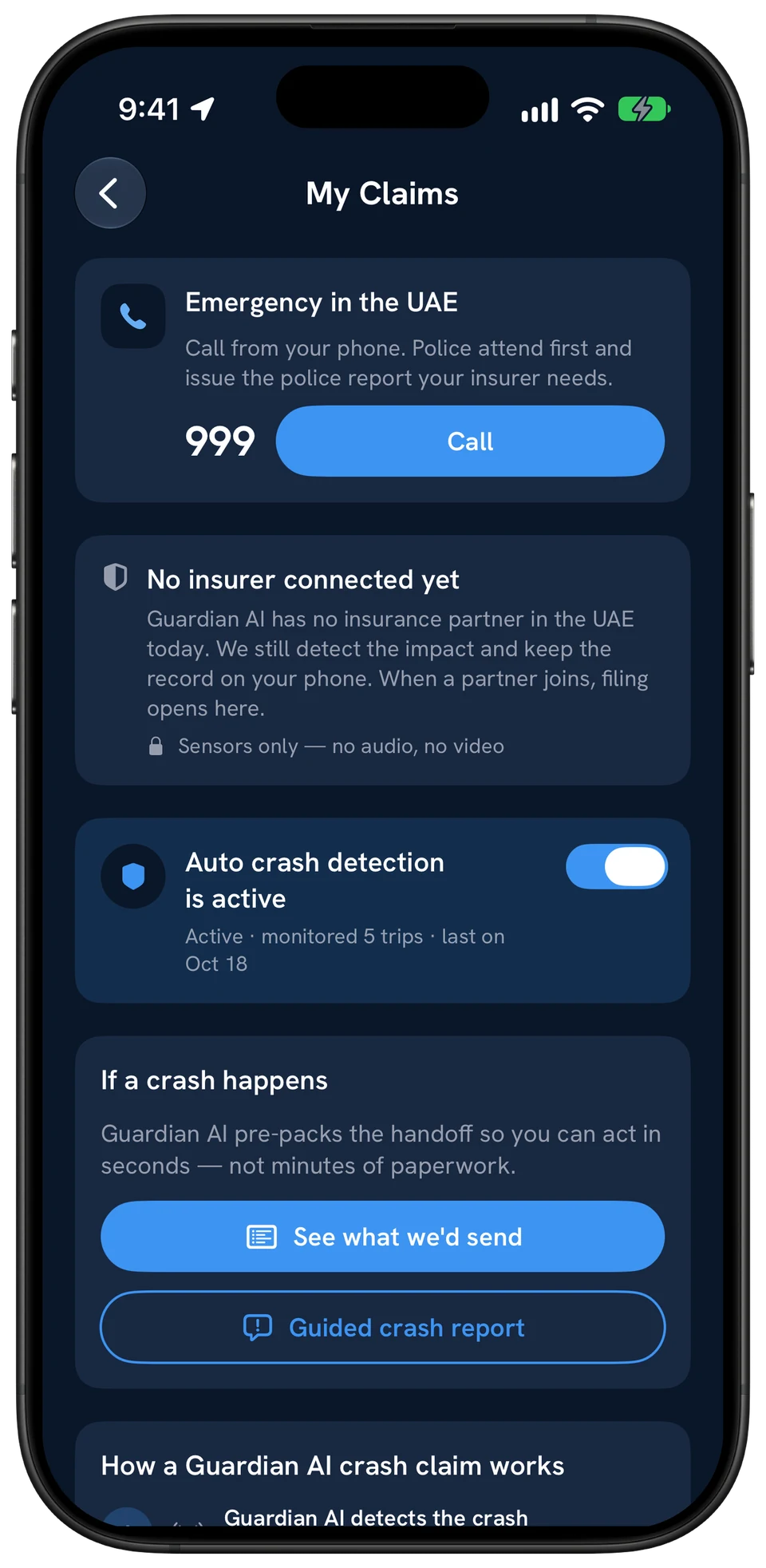
An emergency screen opens with a one-tap call to 999 and your location.
03
Send your location
A text with your location on a map link is ready to send to whoever you choose.
04
No answer?
If the impact looks like a real crash, the app moves to the same emergency screen. If the phone is locked, it shows when you next unlock it.
05
All fine?
The app checks in with you and the trip carries on.
The record
Packed while it's still fresh.
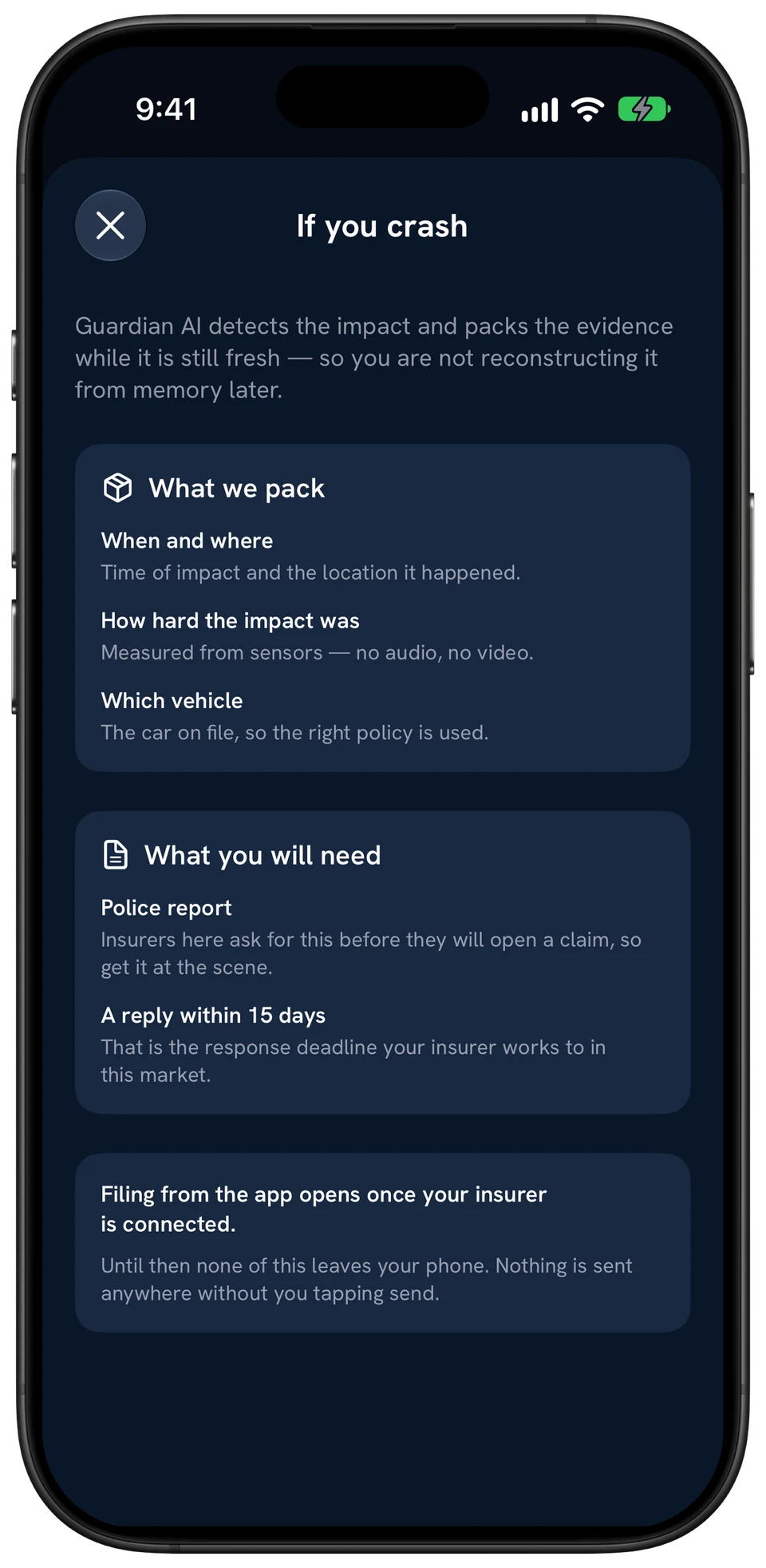
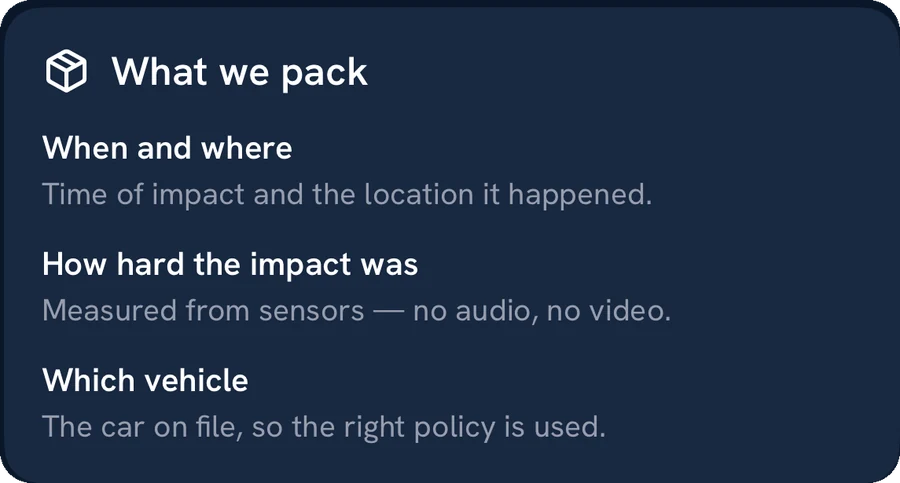
When and where it happened, how hard the impact was and which vehicle. Measured from sensors: no audio, no video.
Claims filing
Opens once your insurer is connected
Until then, nothing is sent anywhere without you tapping send.

Who gets notified
You decide who hears.
Nobody is contacted automatically. The 999 call and a location message are one tap away, and you stay in control of who hears about it.
Never done for you
- Calling 999.
- Messaging family.
- Live location.
What family can get
Family · invited by email
Your trip report after every drive
Trip reports, not your live location. Crash alerts are not sent to them. Remove anyone at any time.
Coming soonA new Family experience
Privacy and limits
Private by default. Honest about limits.
What happens to your data?
Your driving data stays private. Guardian AI uses it to score your drives, estimate your fuel and run crash detection. If a possible crash is detected, the event and your answer are saved to your account. Trip reports go only to the people you choose, and you can ask for a copy of your data, or for it to be deleted, at any time.
The details are in the app privacy notice.
What are the limits of crash detection?
01
It is not a replacement for emergency services. If anyone is hurt, call 999.
02
Phone sensors can miss a crash, or mistake a hard jolt, such as a dropped phone, for one.
03
It needs your phone in the car, with battery, and location access for Guardian AI turned on.
04
It does not call anyone on its own. Someone has to make the call.
Questions
Crash detection, answered.
How does Guardian AI detect a crash?
While you drive, the app watches your phone's motion sensors and GPS for the signs of a crash. It runs during your trips without you starting anything. No extra hardware is needed.
What happens if the app detects a possible crash?
An alert asks whether you are OK. If you tap Get help, the app shows an emergency screen with a one-tap call to 999, your location, and a ready-made message with your location that you can send to anyone you choose.
Does Guardian AI call 999 or alert my family automatically?
No. The app does not call emergency services or message anyone for you. It puts the 999 call and a location message one tap away, and you decide who to contact.
Can my family see my trips?
Only if you choose. You can invite family members by email; they then receive a report after each scored trip. They see trip reports, not your live location, and you can remove them at any time.
Can I turn crash detection off?
Yes. Crash detection is on by default. On iPhone you can switch it off in the app's Safety settings, and turning it off stops crash monitoring from your next trip.
Is crash detection a replacement for emergency services?
No. Phone-based crash detection can miss a crash or raise a false alarm. If you or someone else is hurt, call 999 straight away.
Free on iPhone and Android
Never drive alone.
Crash detection on every drive, and trip reports for the family you choose.
Set it up for your family